
Eesel App
Transforms your browser tab into a productivity hub.
Free
-
Quick Info
Launch Date25 Aug '25
PricingFree
Collections
Eesel App – Transform your browser tab into a centralized productivity hub
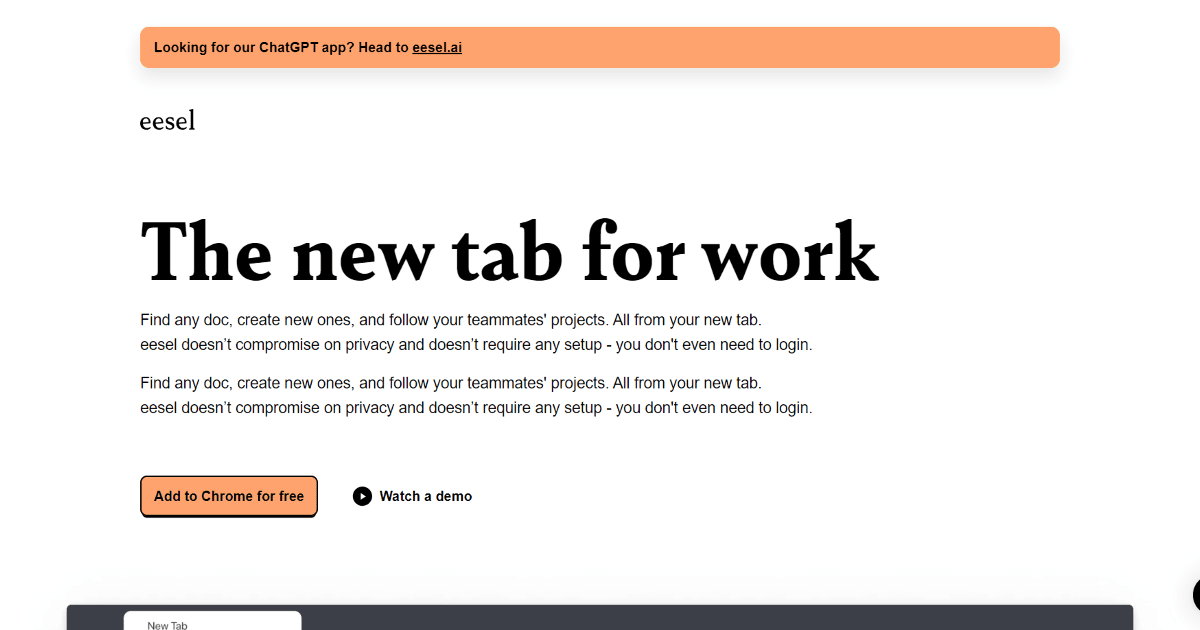
Eesel App is a browser extension designed to consolidate your digital workspace by turning your new tab page into a unified command center. It aggregates documents, tools, and resources from across your workflow, providing instant access and reducing time spent searching. This tool is particularly valuable for professionals and teams who rely on multiple applications and need to maintain organization across their digital environment. For those exploring other productivity and work tools, Eesel offers a unique, browser-native approach.
What is Eesel App?
Eesel is a browser-based productivity tool that reimagines the standard new tab page. Instead of a blank slate or a simple search bar, it becomes a dynamic hub that automatically surfaces your recent and relevant work documents, links, and applications. The goal is to eliminate context switching and reduce the friction of navigating between different tools and files.
It functions as a personal assistant within the browser, learning from your activity to prioritize the resources you need. By centralizing access, Eesel helps maintain workflow continuity, making it a practical solution for managing the complexity of modern digital work. It fits well within the broader category of personal assistant tools that aim to automate organization and access.
Key Features
- Document Aggregation: Automatically indexes and displays work documents from connected apps and services in a single, organized view.
- Smart Search: Provides AI-enhanced search across your aggregated content to find documents, links, and tools quickly.
- Customizable Interface: Allows users to pin favorite items, create sections, and tailor the layout of their hub to match their workflow.
- Tool Integration: Connects with popular productivity and project management applications to surface relevant content and shortcuts.
- Browser-Native: Operates directly within your browser's new tab, requiring no separate application window and leveraging your existing workflow.
Use Cases
- Remote Workers: Managing documents and application access across different locations and devices from a consistent browser-based hub.
- Project Managers: Keeping all project briefs, timelines, communication threads, and resource files immediately accessible in one place.
- Freelancers & Consultants: Organizing client work, contracts, and deliverables separately while quickly switching between different project contexts.
- Development & Product Teams: Providing a unified launchpad for design files, code repositories, documentation, and task boards.
- Researchers & Academics: Aggregating papers, data sources, notes, and writing projects for streamlined academic work.
Underlying AI Models or Technology
Eesel leverages AI primarily for its smart search and document aggregation capabilities. The technology involves semantic search algorithms that understand the context and content of your documents, going beyond simple keyword matching. This allows it to surface relevant files even when your search terms don't exactly match the document text.
The core AI functionality is built around natural language processing models for understanding document content and user queries, and semantic search technology for retrieving the most contextually relevant results. This places it within the broader ecosystem of tools utilizing advanced search and discovery AI.
Pricing
Eesel App offers a free tier that provides access to its core features, including document aggregation, smart search, and basic customization. This makes it accessible for individual users and small teams to evaluate and integrate into their workflow without initial cost.
For the most accurate and current pricing details, including information on any premium plans or team offerings, refer to the official Eesel website.
Pros and Cons
Pros
- Centralized Access: Significantly reduces time spent switching between apps and searching for documents by bringing resources to one starting point.
- Intuitive Interface: The browser-tab integration is a natural fit for web-based work, making adoption straightforward.
- Effective Search: AI-enhanced semantic search improves findability compared to basic file system or app-native search.
Cons
- Setup and Customization: Realizing the full benefit requires initial setup to connect apps and customize the layout, which takes time.
- Web-Centric Limitation: Its functionality is tied to the browser and connected web apps, offering limited utility for offline work or deeply integrated desktop applications.
Alternatives
Several tools offer different approaches to workspace organization and productivity. Users might also consider project management platforms for structured task and file management.
- Notion or Coda: All-in-one workspaces that combine docs, databases, and project planning in a highly flexible, block-based environment.
- Raindrop.io or Toby: Browser extension bookmark managers that focus on organizing and saving web links and pages, with less emphasis on document aggregation.
- Slack or Microsoft Teams: Communication hubs that also integrate files and apps, serving as a central point for team collaboration rather than individual document retrieval.
Frequently Asked Questions
Embed This Tool
Add this badge to your website to show that Eesel App is featured on AIPortalX.

Featured on AIPortalXEesel App
to leave a comment