
Alter
Boost productivity with macOS and AI integration.
Freemium
-
Quick Info
Alter – Your Native macOS AI Assistant for Enhanced Productivity
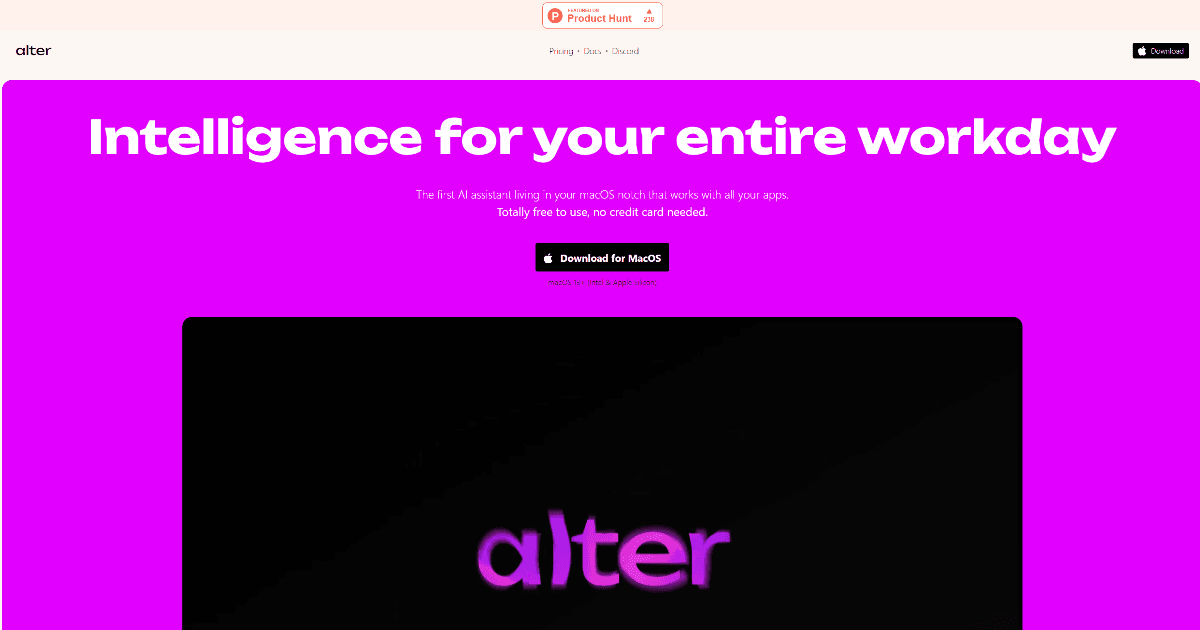
Alter is a transformative AI assistant designed to enhance productivity throughout your workday. As the first AI assistant integrated into the macOS notch, it seamlessly interacts with all your applications, providing a cohesive and intuitive user experience. Tailored for Mac power users, Alter simplifies everyday tasks, from managing meetings to optimizing workflows.
Its focus on privacy, customization, and ease of use makes it an ideal choice for professionals seeking to streamline their workflows and maximize efficiency. Whether you're managing meetings or simplifying everyday tasks, Alter stands out as a reliable and innovative tool for your workday needs. For those exploring other AI automation tools, Alter's native macOS integration offers a unique approach.
What is Alter?
Alter is a personal AI assistant built specifically for macOS. It integrates directly into the operating system's interface, most notably within the notch area of compatible MacBooks, providing a persistent, accessible hub for AI-powered assistance. This deep integration allows it to work across all your applications, offering a unified experience that feels like a natural extension of macOS itself.
The tool is designed to boost productivity by automating routine tasks, managing information, and facilitating communication. It represents a significant step in the evolution of personal assistant software, moving beyond simple chatbots to become a contextual, system-level partner for work.
Key Features
- AI Instant Actions: Over 80 built-in actions allow users to start tasks in seconds, with the ability to create custom actions for specific workflows.
- Voice-First Computing: Complete messages, emails, and documents three times faster using voice commands across all applications.
- Privacy by Design: User data is secured with local encryption, and the tool supports offline functionality to maintain complete confidentiality.
- Meeting Summaries: Automatically records and generates smart summaries of meetings across platforms like Zoom, Google Meet, and Teams.
- Seamless macOS Integration: Works effortlessly with all native and third-party macOS applications without disrupting existing workflows.
Use Cases
- Mac Power Users: Leveraging Alter for enhanced productivity and seamless integration with macOS applications for daily task management.
- Legal Professionals: Utilizing the tool for efficient meeting summaries, document management, and secure handling of sensitive client information.
- Growth Consultants: Employing Alter for quick access to information, streamlined task execution, and client communication.
- Creative Professionals: Using the tool to optimize creative workflows, manage project timelines, and handle administrative tasks.
- Healthcare & Public Officials: Adopted for secure, offline handling of sensitive topics and managing non-desk administrative duties.
Underlying AI Models or Technology
Alter leverages advanced natural language processing models to understand user intent, generate text, and summarize conversations. Its core functionality is built upon large language models (LLMs) capable of language generation and instruction interpretation. Users can connect Alter to their preferred AI models via custom API keys, including options from OpenAI, Anthropic, and others, or run compatible local models for maximum privacy.
The tool's voice-first capability utilizes speech-to-text technology to transcribe voice commands, while its deep macOS integration is achieved through native frameworks, allowing it to read and interact with on-screen content across applications securely.
Pricing
Alter operates on a freemium model with several tiers:
- Free: $0 per month. Includes full access to all core features with support for custom API keys or local models. No credit card required.
- Pro: $29 per month. Offers unlimited requests to 40+ integrated AI models including Claude, OpenAI, DeepSeek, and Mistral. Includes an optional 1-on-1 onboarding session for $149.
- Lifetime: $720 one-time payment. Provides unlimited access for life on a single device and includes two personalized 1-on-1 sessions.
Please note that pricing information may change. For the most accurate and current pricing details, refer to the official Alter website.
Pros and Cons
Pros
- Time Efficiency: Significantly reduces task completion time for messaging, email, and document creation.
- Customizable Actions: Offers high flexibility through customizable actions, allowing users to tailor the tool to specific requirements.
- Privacy-Centric: Prioritizes user privacy with locally encrypted data and offline capabilities, ensuring sensitive information remains secure.
Cons
- Mac-Only Compatibility: Currently designed exclusively for macOS, limiting accessibility for Windows or Linux users.
- Initial Setup Complexity: Some users may find the initial setup process for custom actions and model integrations slightly complex.
Alternatives
While Alter offers unique native macOS integration, several other tools focus on productivity and workflow automation. Consider these alternatives based on your platform and specific needs:
- Raycast: A highly extensible launcher for macOS that integrates AI commands and scripts, offering similar system-level automation but with a different interaction model.
- Cursor: An AI-powered code editor that deeply integrates AI assistance for developers, focusing specifically on software development workflows.
- Notion AI: Embeds AI directly into the Notion workspace for writing, summarization, and task management, ideal for teams already using Notion for project management.
- Mem: An AI-powered workspace that acts as a personal assistant for organizing notes, tasks, and meetings, with a focus on connecting information automatically.
Frequently Asked Questions
Embed This Tool
Add this badge to your website to show that Alter is featured on AIPortalX.

Featured on AIPortalXAlter
to leave a comment